 Chicken Scratch
See decisions while you still have the floor
Scribe writes as you talk, so you look up and see what was decided.
Chicken Scratch is the live board your bots write on while you talk, so decisions stick and your bots stay accountable.
Keep your bots accountable.
7-day free trial, card required.
What’s at stake
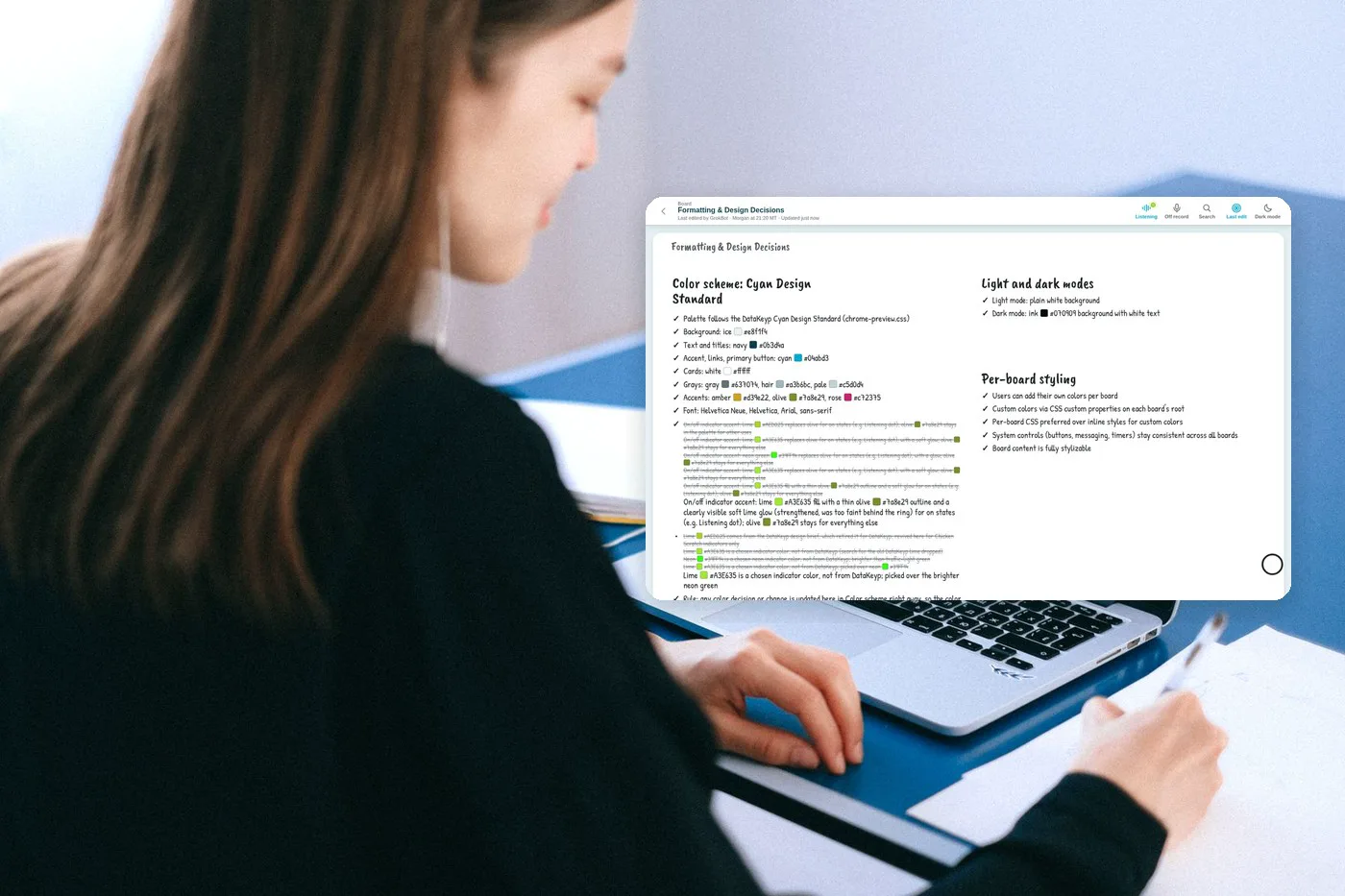
You paid for the thinking once. Doing it twice is the real tax.
7-day free trial, card required.
What you get
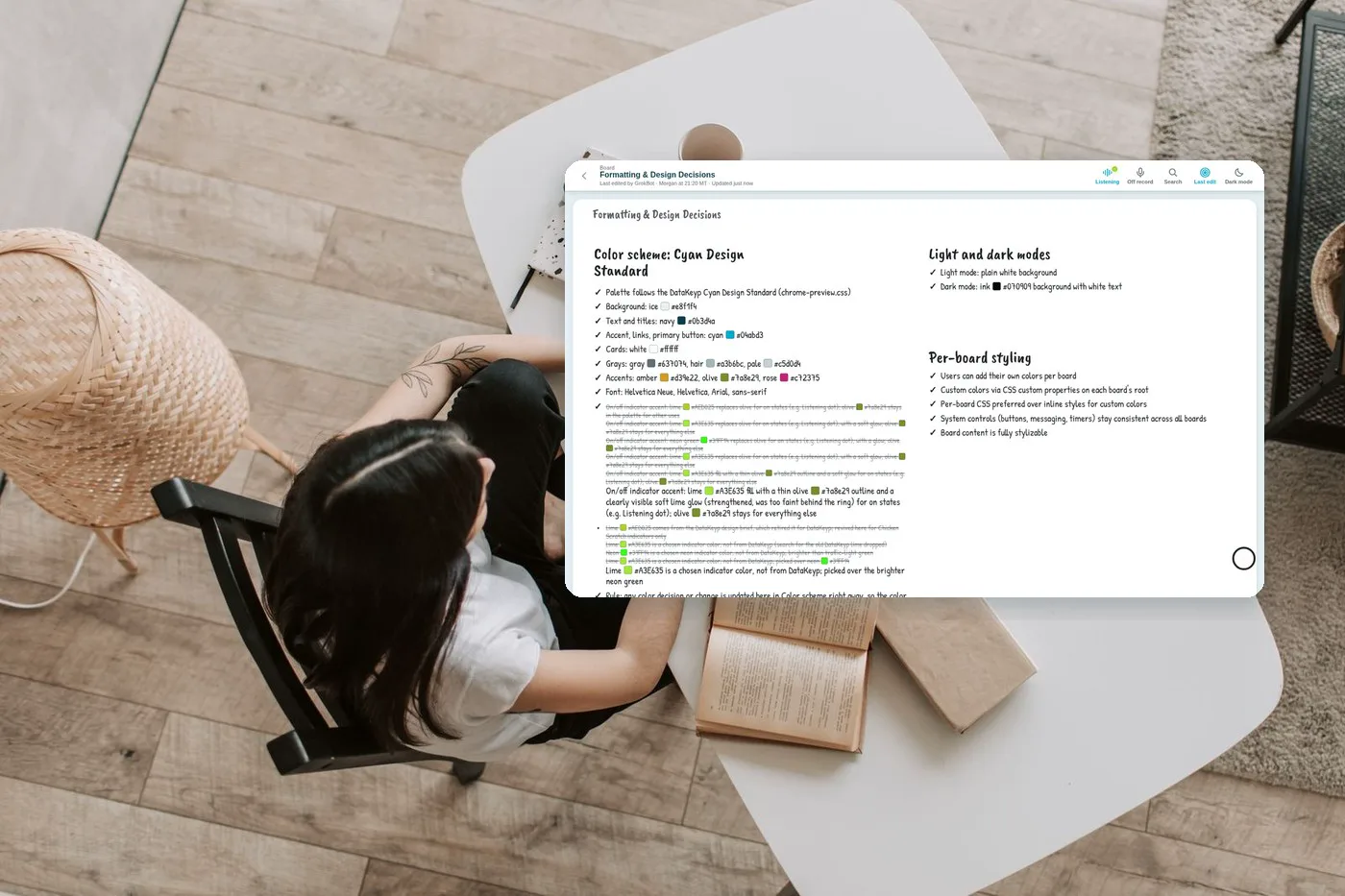
Scribe writes as you talk, so you look up and see what was decided.
Nothing is erased; changes are crossed out. Say “Scribe, off the record” when the room needs it.
After the call, the board (and export your agent can use) becomes the continuity — not another transcript you’ll never open.
People and their bots land what matters on one board, so importance isn’t owned by whoever talked loudest.
Any screen signed up for Screen works for anyone. No account. No logging in or out. Walk in, use the board, walk out, like the whiteboard in a conference room. On your own account, use Apple TV to collaborate on the TV. Easier than a whiteboard.
7-day free trial, card required.
Built for people who already run bots
You’ve put real hours into your bots. Watching that work disappear isn’t a workflow quirk — it’s wasted time you didn’t choose to give away.
Chicken Scratch is the board those bots write on. Connect over MCP, say “Scribe, start,” and keep speech as structure you can return to. We’re not another chatbot. We’re how Grok Bot users keep their bots accountable.
7-day free trial, card required.
How it works
Point the bot you already use at your Chicken Scratch board over MCP.
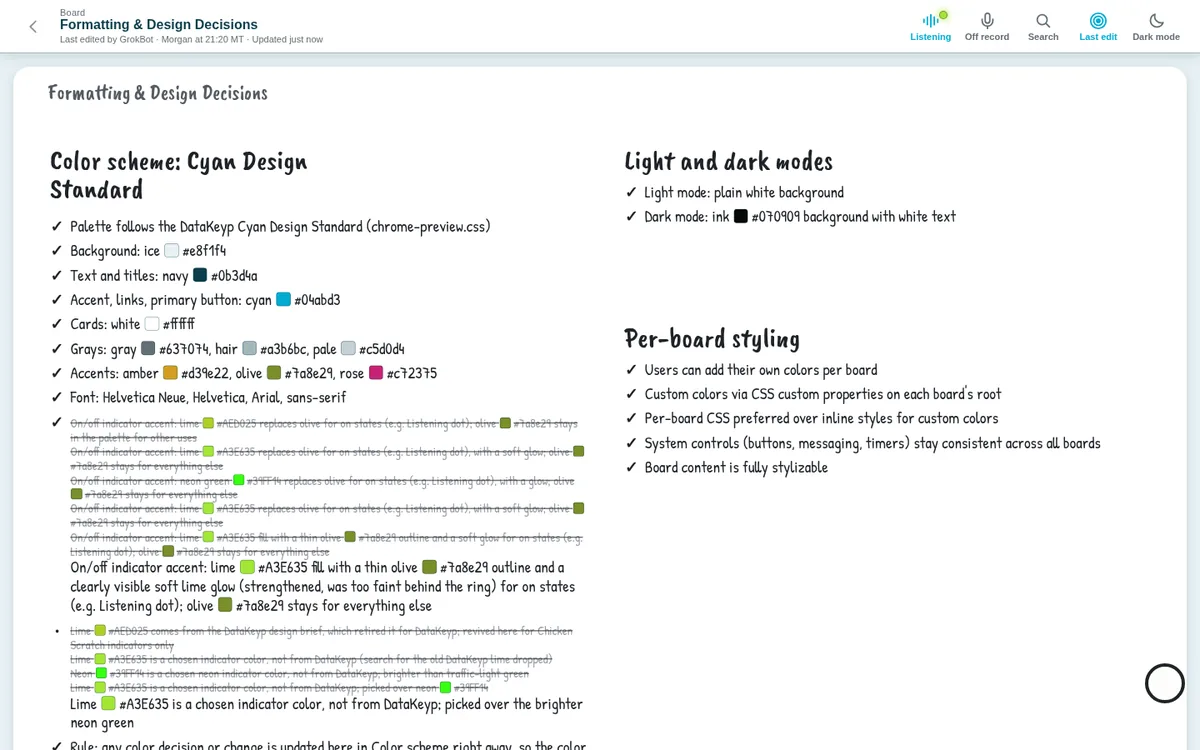
Say Scribe, start. Decisions, actions, and notes appear while you speak. Change your mind and the old line is crossed out, never erased.
Say Scribe, stop. The board stays as the record — ready for the next session, your Circle, or a Screen in the room.
7-day free trial, card required.
Chicken Scratch is the live board your AI writes on while you talk. If you run Grok Bot or other agents, you already know the pain: long conversations that feel productive in the moment and leave almost nothing usable the next day. Notetakers hand you text after the call. Whiteboards wait for a human to draw. Chicken Scratch sits in between — your own bot listens and writes; you set importance visually with size, place, and weight. Start with Solo for you and your AI. Move to Circles when other people and their bots need the same board. Add Screen when the board should stay up on a TV or second display. Connect over MCP, say “Scribe, start,” and keep a record that crosses out changes instead of erasing them. Off the record stays off until you say otherwise. The point isn’t more AI content. It’s accountability: decisions that stick, time you don’t have to spend twice, and bots that answer to the board you built together. Keep your bots accountable — start the 7-day free trial (card required).
Not ready to start the trial?
A short checklist for Grok Bot users: what to capture live, what to cross out, and how to hand the board to your agent after the call — so your next session doesn’t start from zero.
The checklist also shows how to start Chicken Scratch’s 7-day free trial (card required). There is no free plan — Solo starts at $8/mo after the trial.
7-day free trial, card required.

Simple monthly pricing
Every plan starts with a 7-day free trial. Card required. Cancel before day 8 and you won’t be charged for Solo, Circles, or Screen. There is no free tier.
For one person and the AI they already run.
Try it free7-day free trial, card required.
Boards shared with other people and their AIs. Each member pays on their own card.
Try it free7-day free trial, card required.
Add-on: anyone can walk up and use the board. No account, no login. On your own account, collaborate on Apple TV. Easier than a whiteboard.
Try it free7-day free trial, card required.
Monthly billing only for now. Keep your bots accountable — start the 7-day free trial (card required).
7-day free trial. Card required. No free tier.
No. It’s the board your existing AI writes on while you talk.
Scribe is the in-product command (“Scribe, start” / “Scribe, stop” / “Scribe, off the record”). The product name is Chicken Scratch.
No. Chicken Scratch has no free tier. You can start a 7-day free trial with a card, then Solo at $8/mo, Circles at $12 per member/mo, and Screen at $4 per screen/mo.
Enter a card, use Chicken Scratch for 7 days, cancel anytime during the trial if it isn’t a fit.
Yes — Circles is $12 per member/mo for shared boards; each member pays on their own card.
Screen is a $4 per screen/mo add-on. Anyone can use a signed-up screen with no account and no logging in or out, like the whiteboard in a conference room. On your own account, you can collaborate on Apple TV.